Get in Touch
Spotted a bug? Want to suggest a feature? You can do so right from the app! From the main screen, tap on the icon in the top right to go to the Preferences screen.
You can only get in touch once you have subscribed.
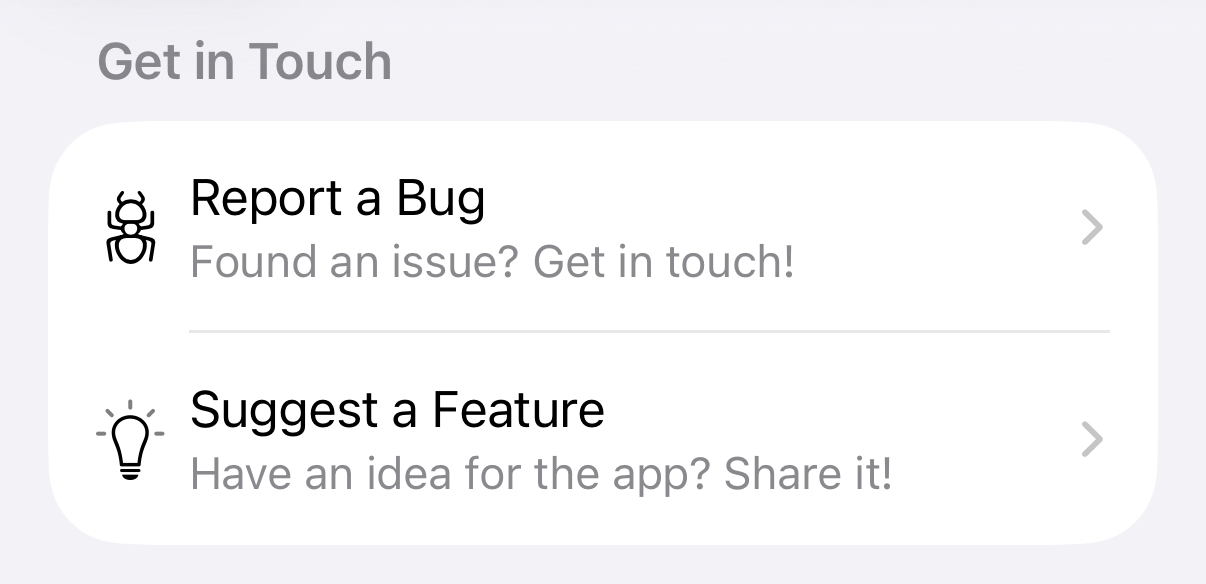
In the Preferences screen you can find the section Get in Touch with easy options to quickly get in touch. Tap the desired one and a new window appears.
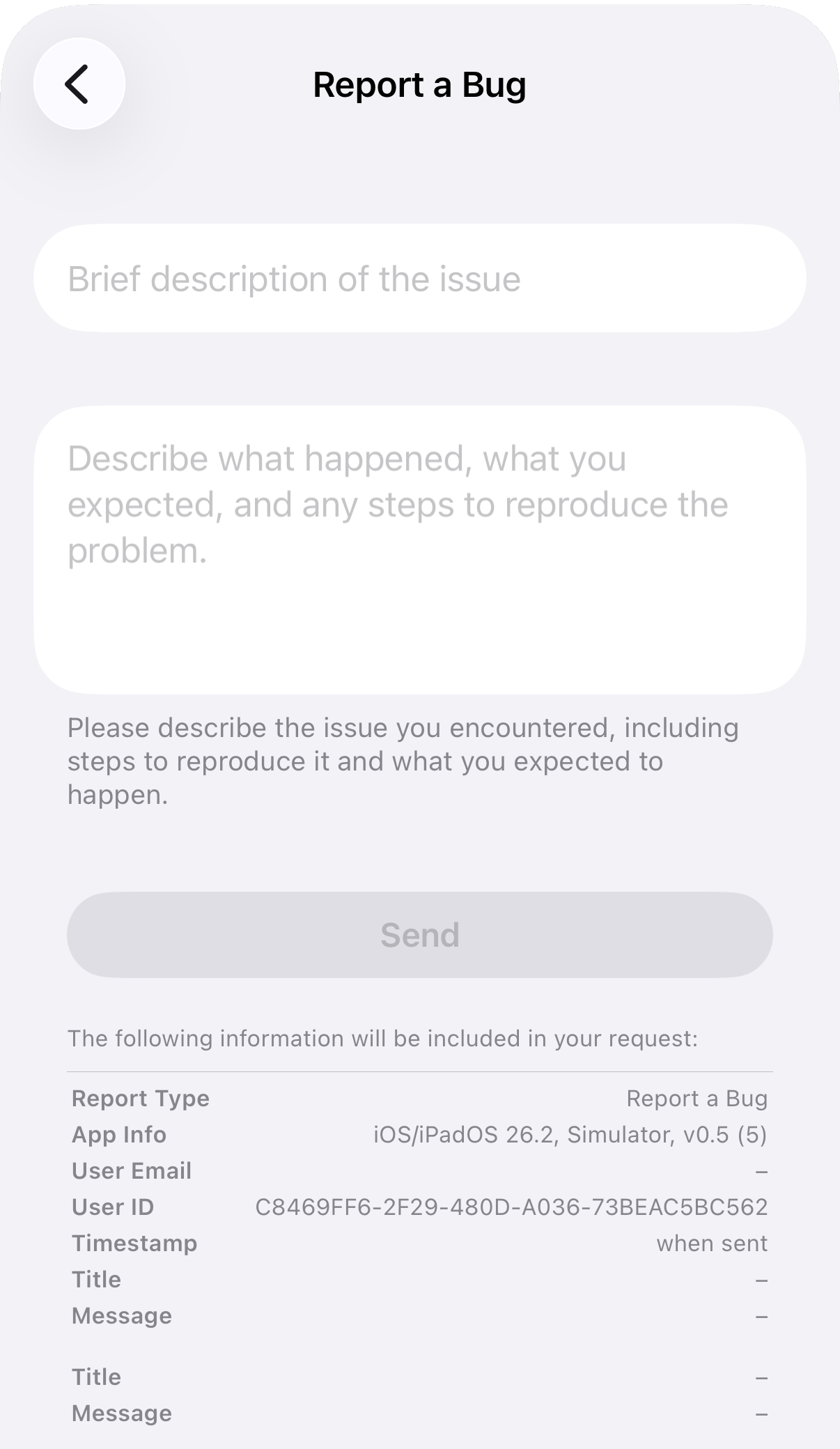
Fill in the form as indicated by providing a title and a description of the issue or feature. To guarantee your privacy you can see at the bottom exactly which information is visible to Smarthound once you tap on Send. If you're happy with that, simply tap Send.