Add a Pet
Tap on Add Pet on the main screen to add a new pet to the app. The app asks you about a range of information. Some of the info is to know who's who, some information is stored in the app for easy reference, and most information is there to identify the perfect food profile for your pet.
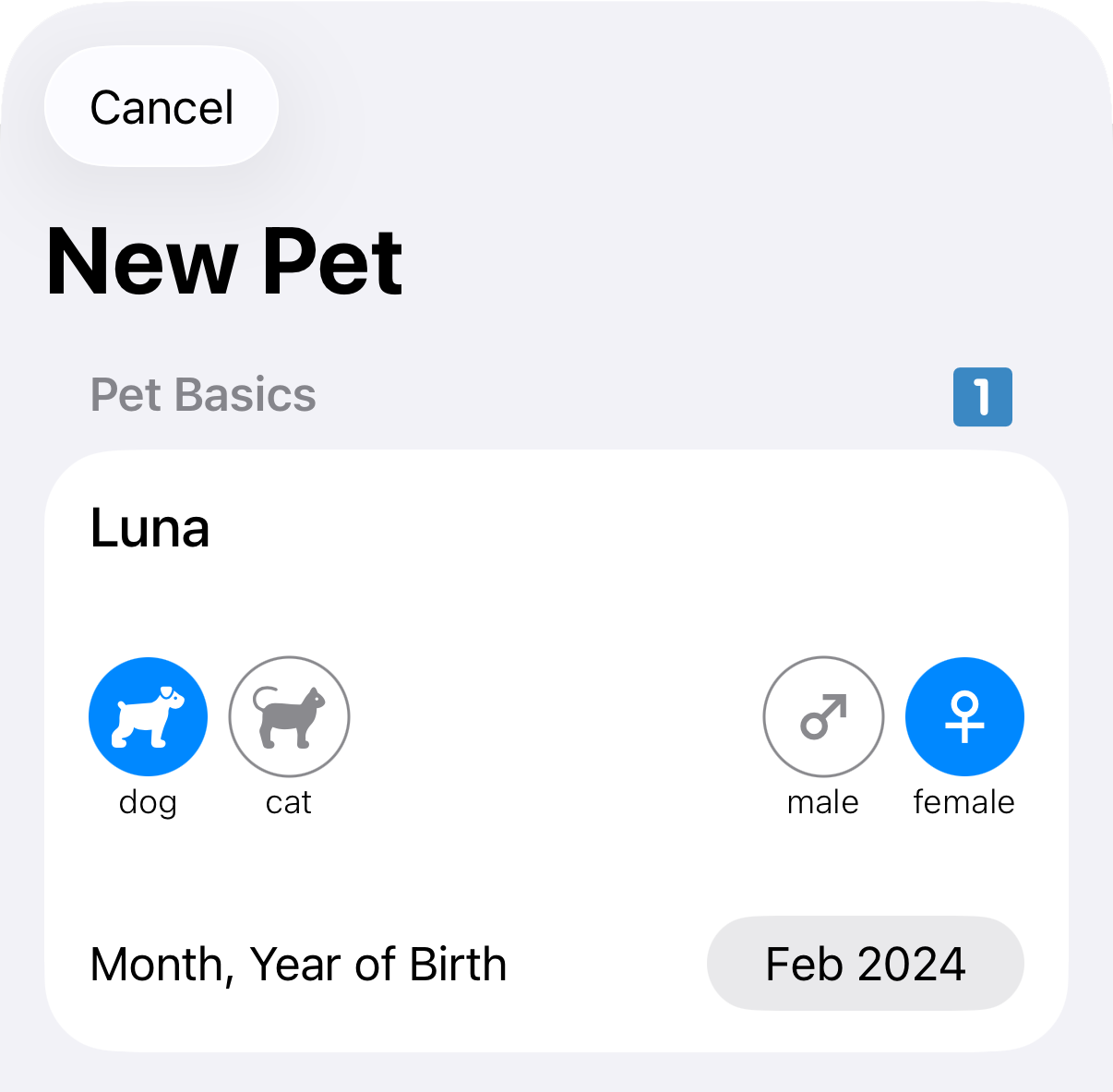
The first section
 asks for the name, whether it is a dog or cat, their sex, and birth date. All of these choices affect the food profile so answer them carefully.
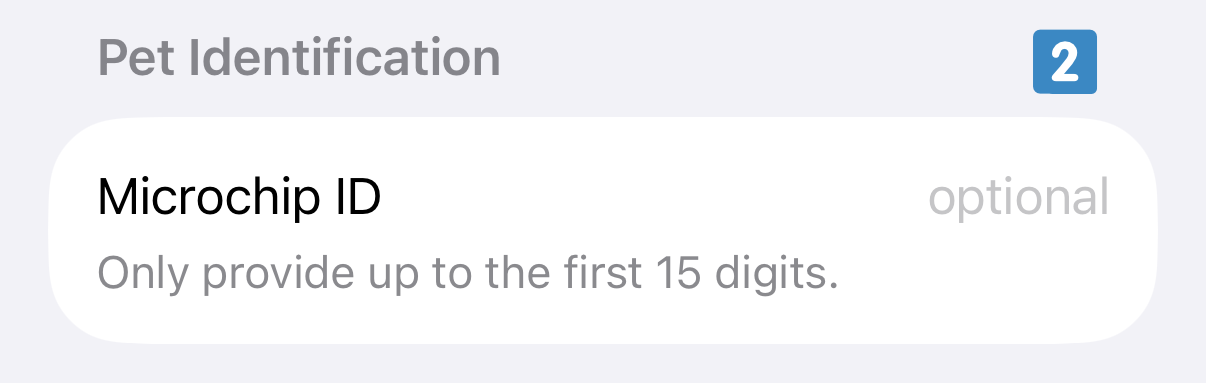
For later reference you can also provide the microchip number of your pet
 . This is entirely optional. If you provide it the app can later include it in reports, e.g. to hand to a pet carer or a vet. When creating a report you always have the choice to hide the microchip number, even if you enter it here.
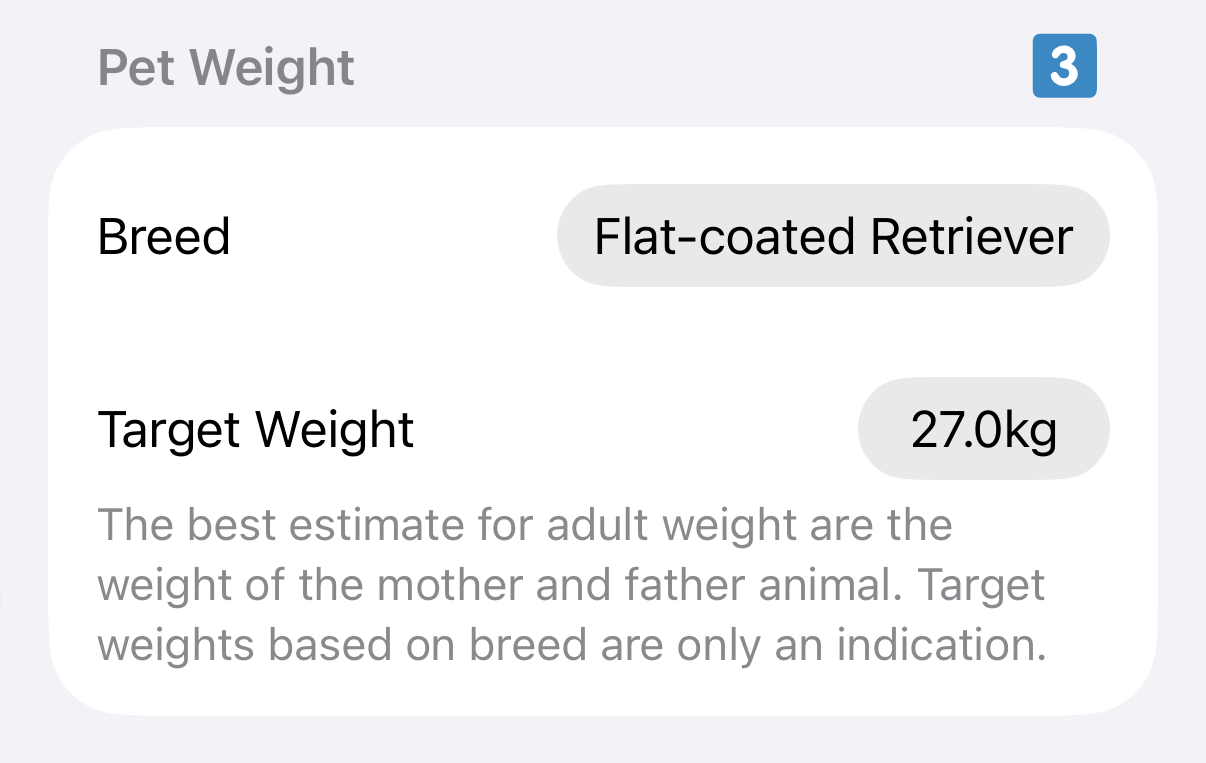
A major factor in determining the food profile for your pet is their target weight
 . The app has information on a large list of officially recognised dog and cat breeds. If you have a pure-bred dog or cat then the easiest option is often to select their breed. The app fills in the target weight automatically based on the breed and sex.
If your pet's breed has a large variation, or if your pet is a mixed breed, a better indicator is the (healthy) weight of the parent animals. In those cases tap the weight and enter the weight manually. Carefully consider this value, particularly for mixed breeds and breeds with large weight variation.
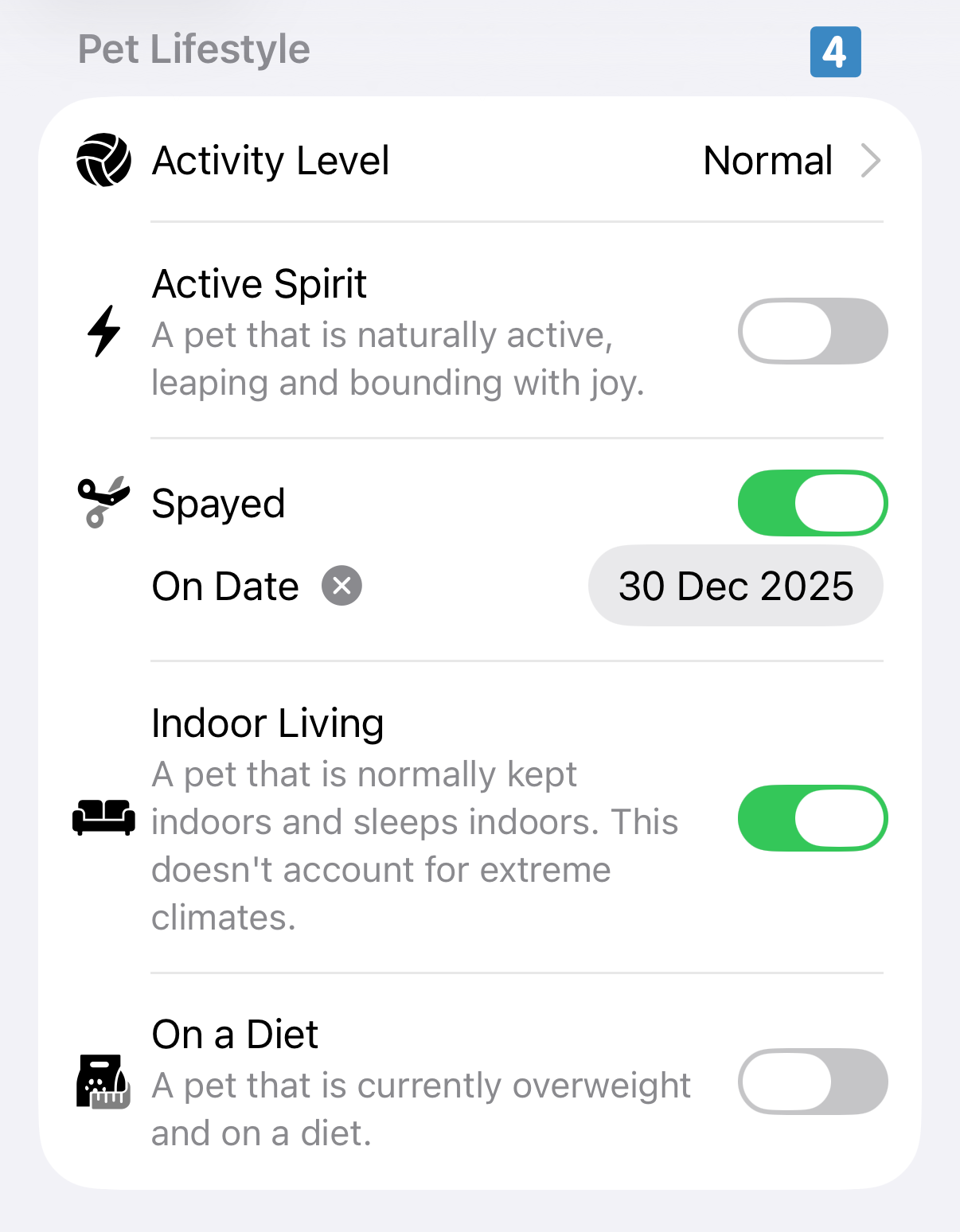
Lifestyle factors
 help to fine-tune the food profile for your pet. Be honest with yourself and your pet. Only select the option On a Diet if your pet is on a veterinary-supervised diet as it dramatically reduces the calorie intake of your pet to attain a quick weight loss. If your pet is moderately overweight or underweight there is nothing you need to do; the app creates a food profile that brings your pet to their ideal weight in a slow and healthy way.
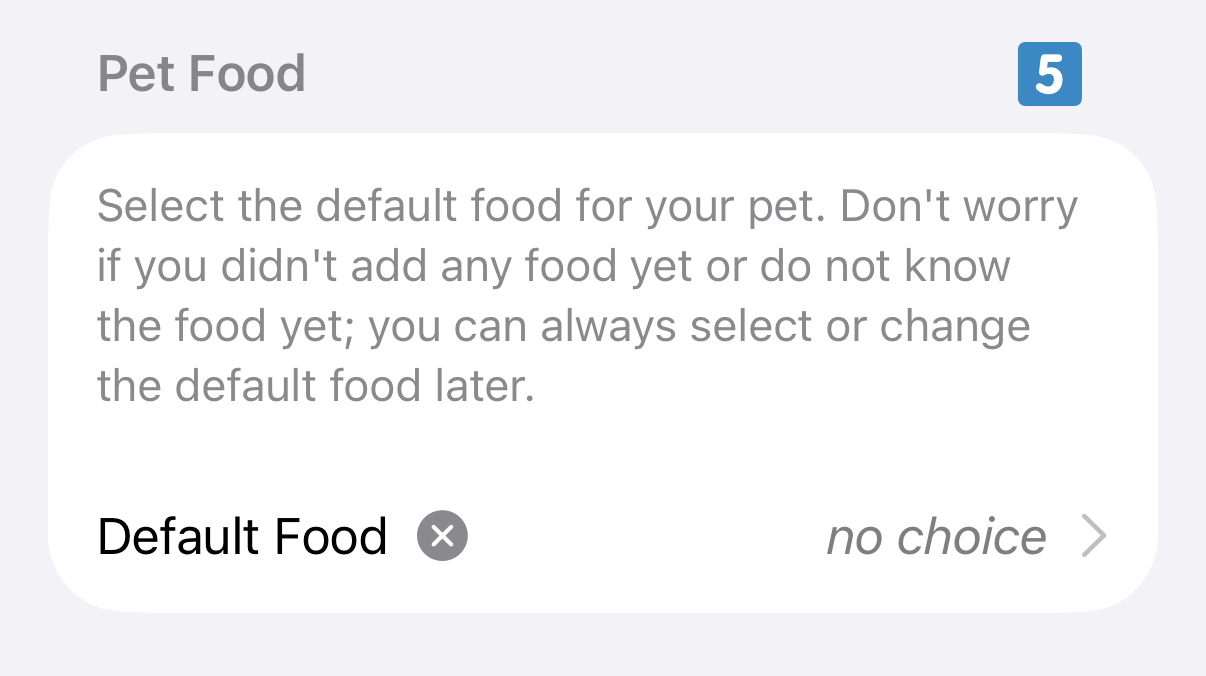
If you previously added food you can already set the food your pet regularly gets
 . This can, of course, be added or changed later.
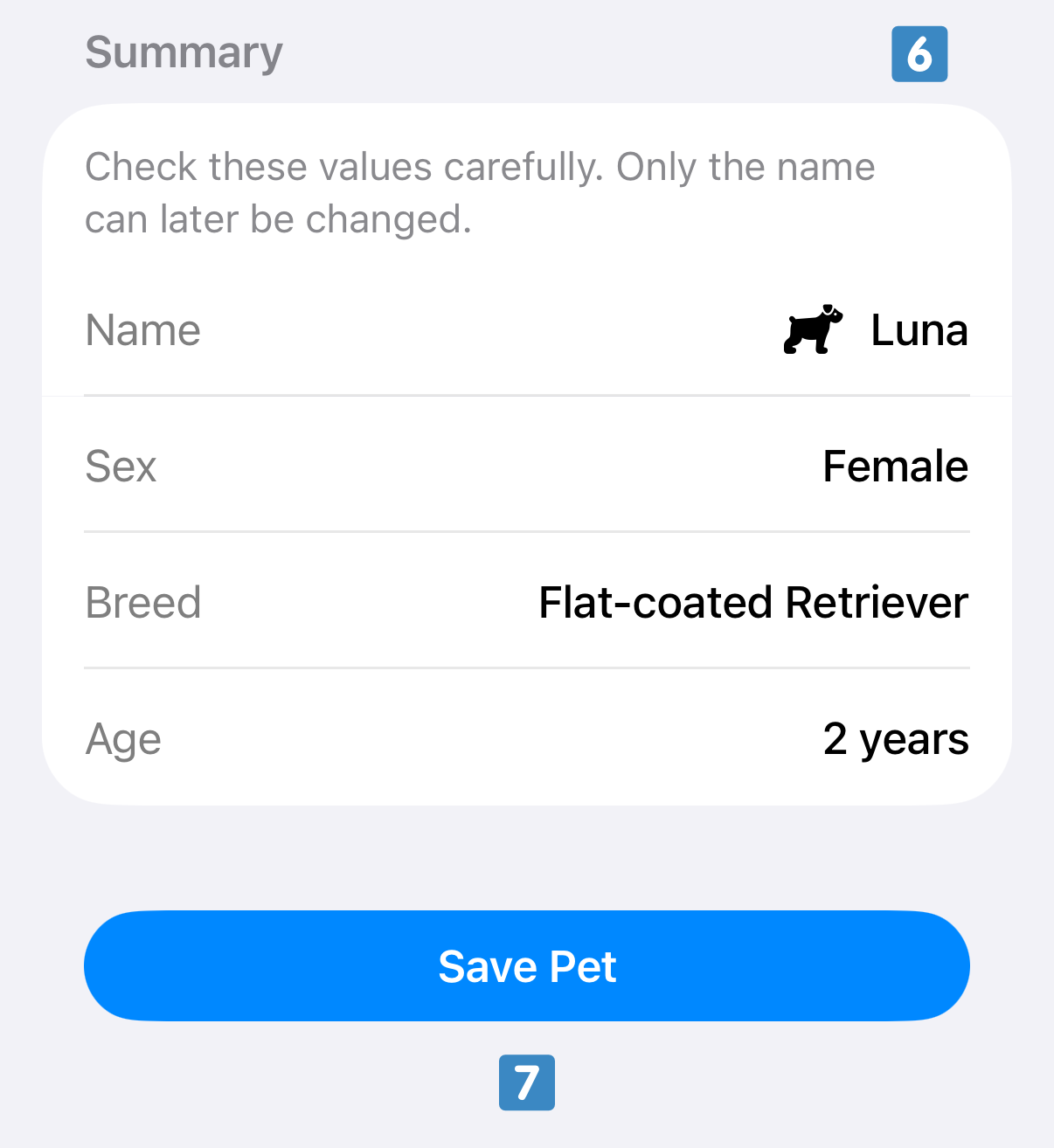
As a final step the app asks you to confirm the details you have set
 . Check the shown details carefully as they cannot be changed later. The values that are not shown in this table can be freely changed later on. If you are happy with the summary tap on Save Pet
 .
.