Edit Medication
Once medication is added it appears in the pet details screen, in the section Medication Schedule.
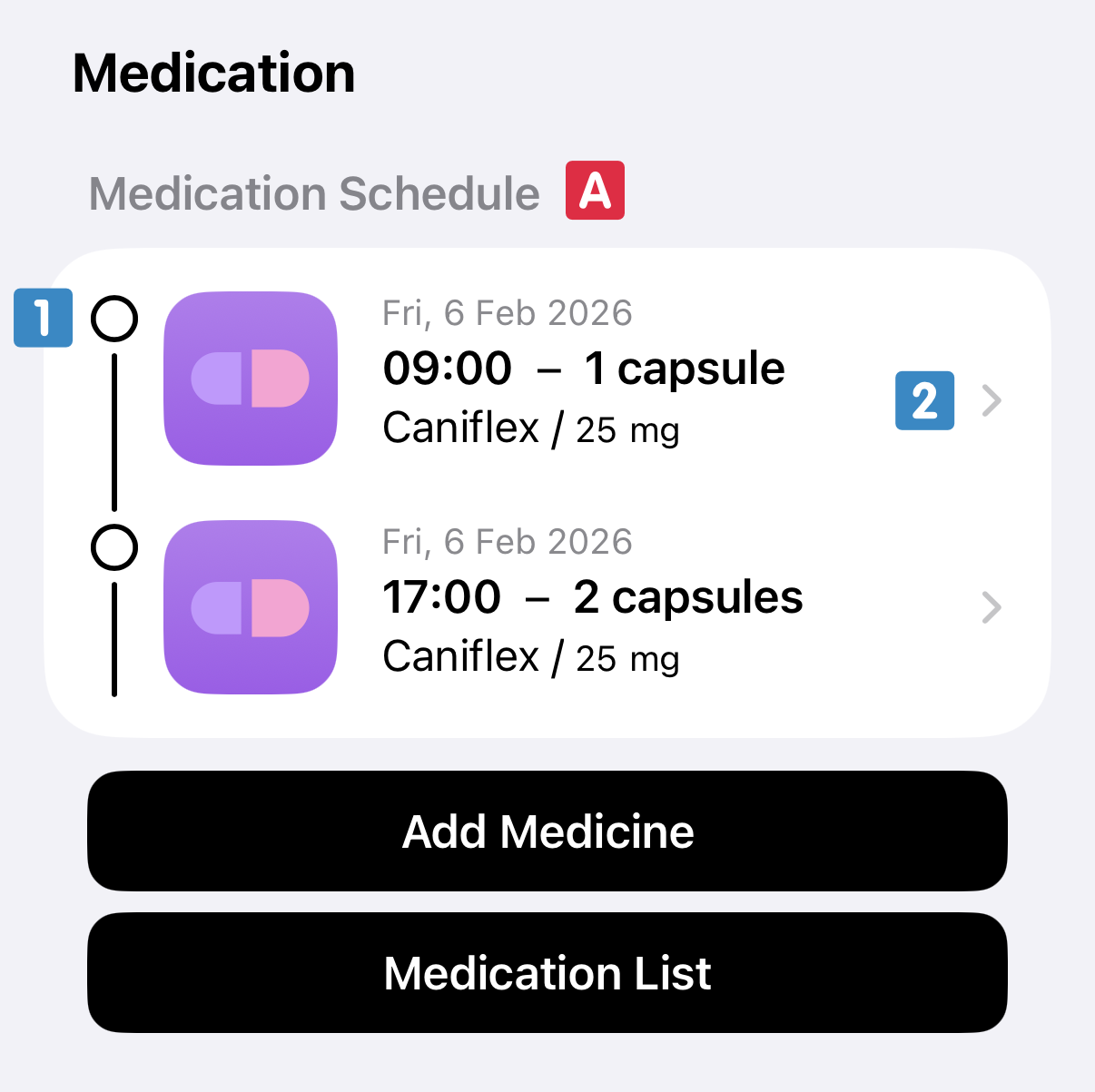
The medication schedule
 shows you:
- any missed doses from yesterday;
- every dose given, or dose you still need to give, from today;
- the next scheduled dose of any medication that is not due today.
When a dose is given you can tap the check mark box
 . This is a handy way of tracking which doses have been given to make sure you don't forget. Doses given can also be confirmed directly through the notification if you have enabled these.
To edit a medication tap on the medication card
 . As needed you can change both the posology (when and how much medication) and styling of the medication.
For an overview of all the medication in the app you can tap on the Medication List button in the pet details
 .
.
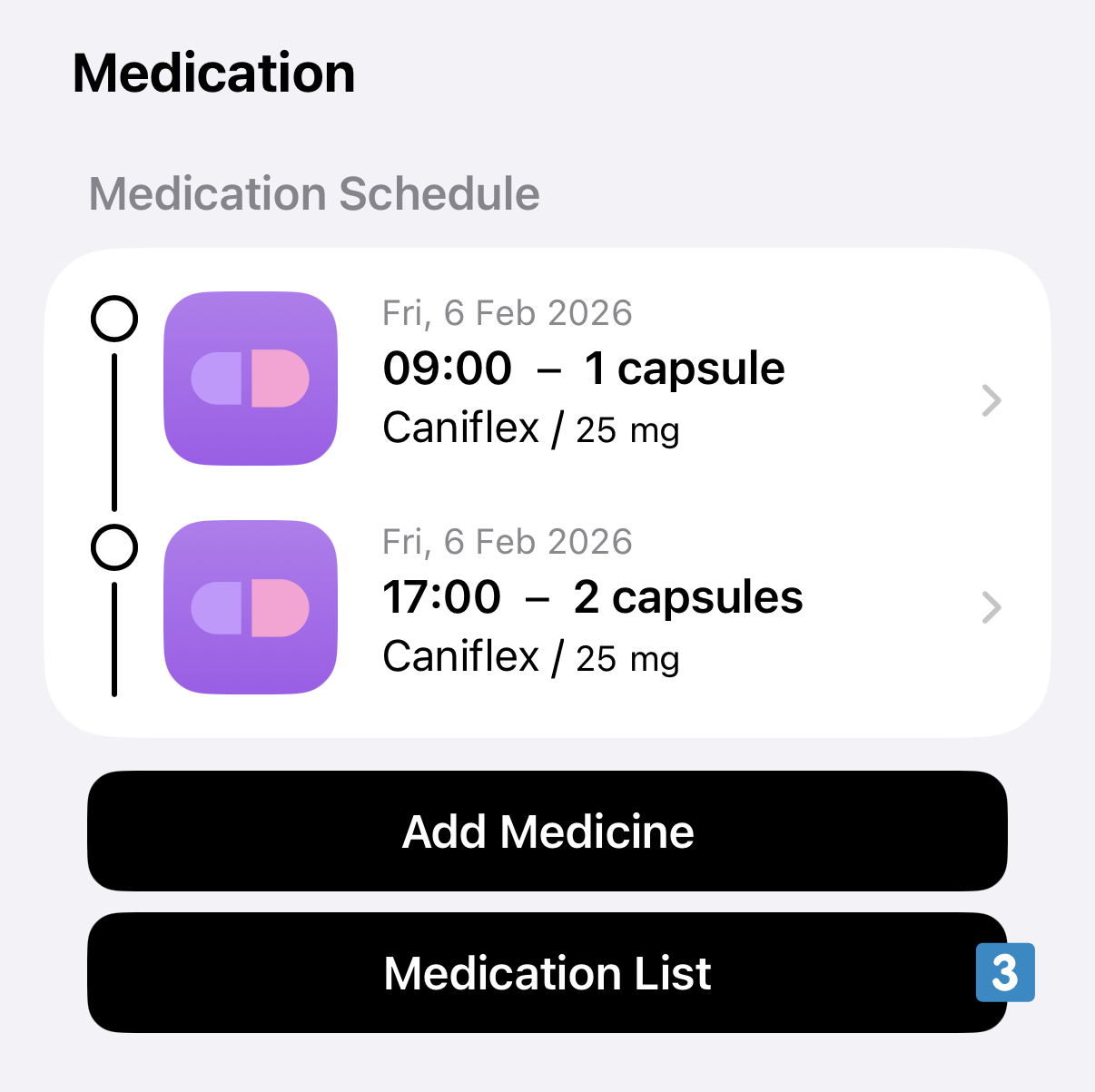
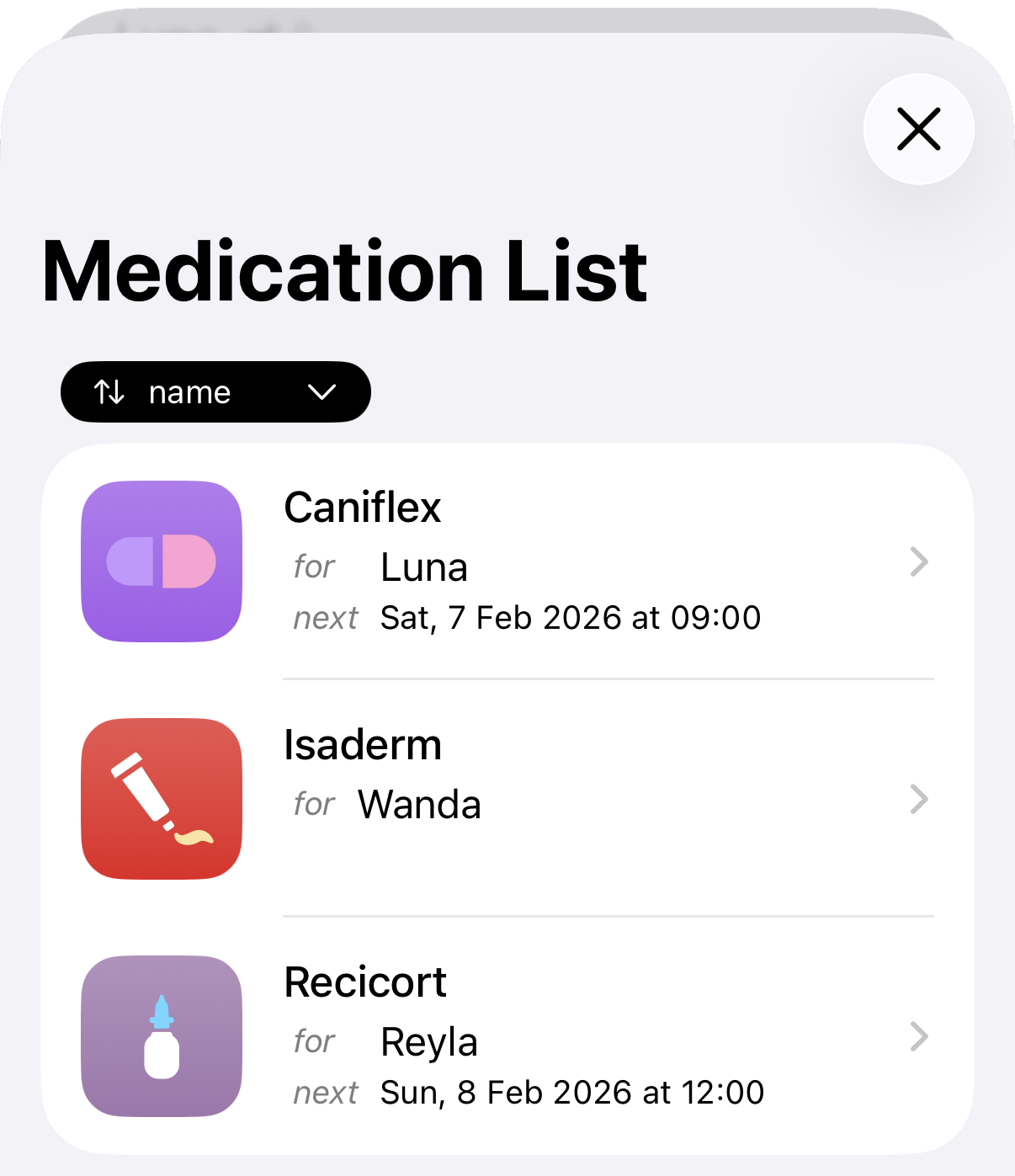
This brings you to an overview screen with all medication for every pet. From here you can tap through to edit each medication as needed.